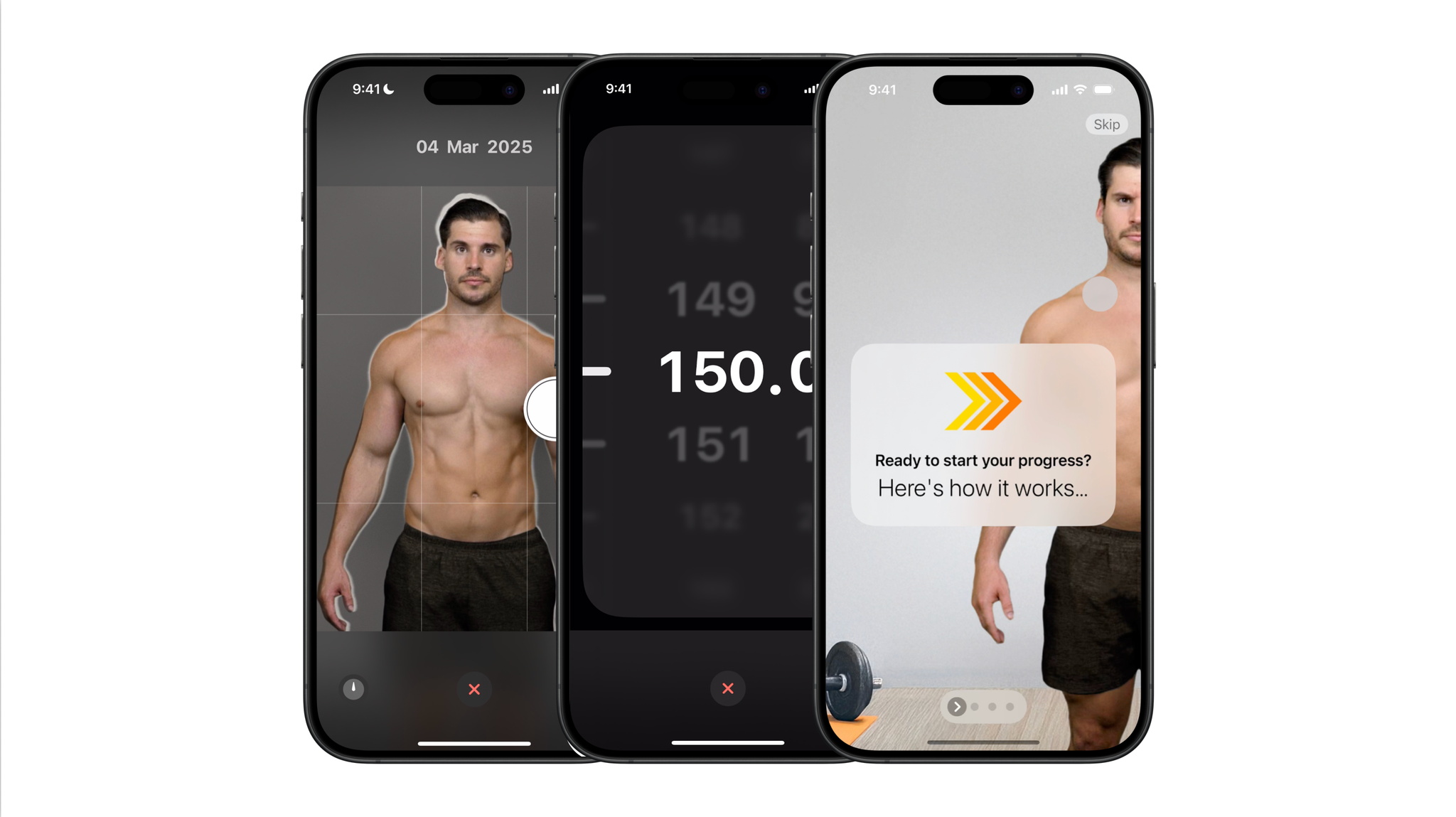
Onboarding
When you first open the app, you are guided through a quick onboarding using a playful parallax carousel. It explains the core idea: take a photo every week, remove the background for consistency, and let AI generate smooth transitions between the photos.
Timelapse setup
When creating a new Progress Timelapse, users select their camera setup and choose optional features like weight tracking and automatic background removal. I designed this step to be clear and visual, with guidance and previews for each setup.
Guided tips
Depending on the camera type, tips appear to help people take the best photos with that setup. As the videos play, the guidance is also synced at the bottom as subtitles.
Taking the photo
Aligning photos perfectly turned out to be surprisingly tricky, since the phone needs to match the angle of the original photo. I designed the shutter button to double as a leveling tool, and added silhouette guidance, timers, and voice activation for tripod use.
Weight picker
The weight picker starts from the user’s previous entry and supports easy adjustment. It also integrates with HealthKit and can intelligently skip the step when a smart scale reading is detected.
Interpolation processing
Once the photo is taken, it is uploaded to a server where an ML model creates the interpolated frames. This can take a few minutes, so I designed a clear message explaining what is happening and reassuring users they can safely leave the app.
Scrubbing the timelapse
Once interpolation is complete, the timelapse can be smoothly scrubbed. I added playful details here too, including a stretchy scrubber with inertial bounce and dynamic weight updates using an animated ticker.